
Quick Start Guides for GERi + KERi BP Arm
Applies to Models:
LF04130IP, LF04130MIP,
LF04130EX,
LF04130MEX
Compatable with Models:
LF00040IP, LF00040EX, LF03890IP, LF03890EX, LF03202, LF03202EX
Blood Pressure Quick Start Guide
What's Included:
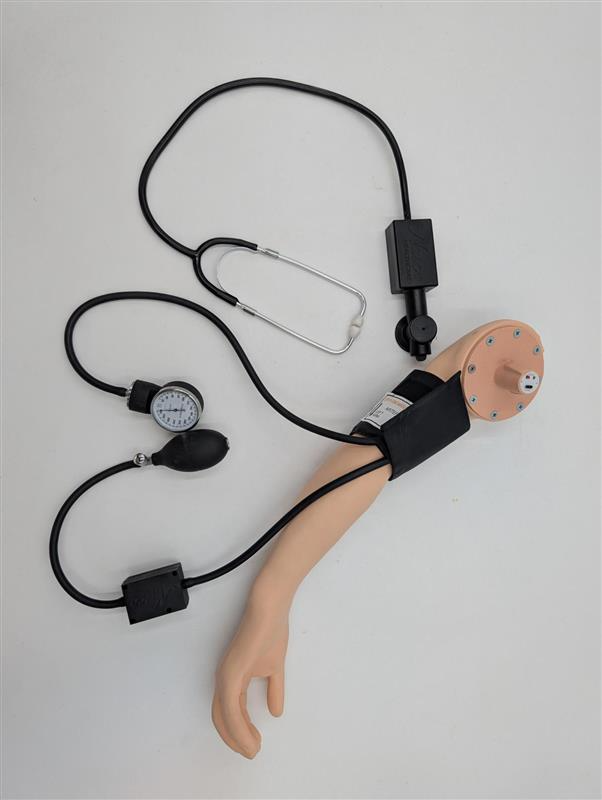
- Blood Pressure Trainer Arm 2.0
- SmartScope 2.0 Stethoscope
- Blood Pressure Sphygmomanometer (includes SmartCuff)
- iPad or Android Tablet (if stated).
- Dual-Head Stethoscope
- USB-C Charging Cable
Setting Up:
- Ensure all devices are fully charged before use, using the provided USB-C Charging Cable.
- Download the Be READY™ App onto the iPad or Android Tablet using the QR code provided.
- Press the Power Button on the Arm, Cuff, and Scope.
- Apply the Blood Pressure Cuff to the Arm
- Open the Be READY™ App and connect each device by selecting it and pressing Connect (Each will turn Green)*
- Press the Blood Pressure Simulation Icon
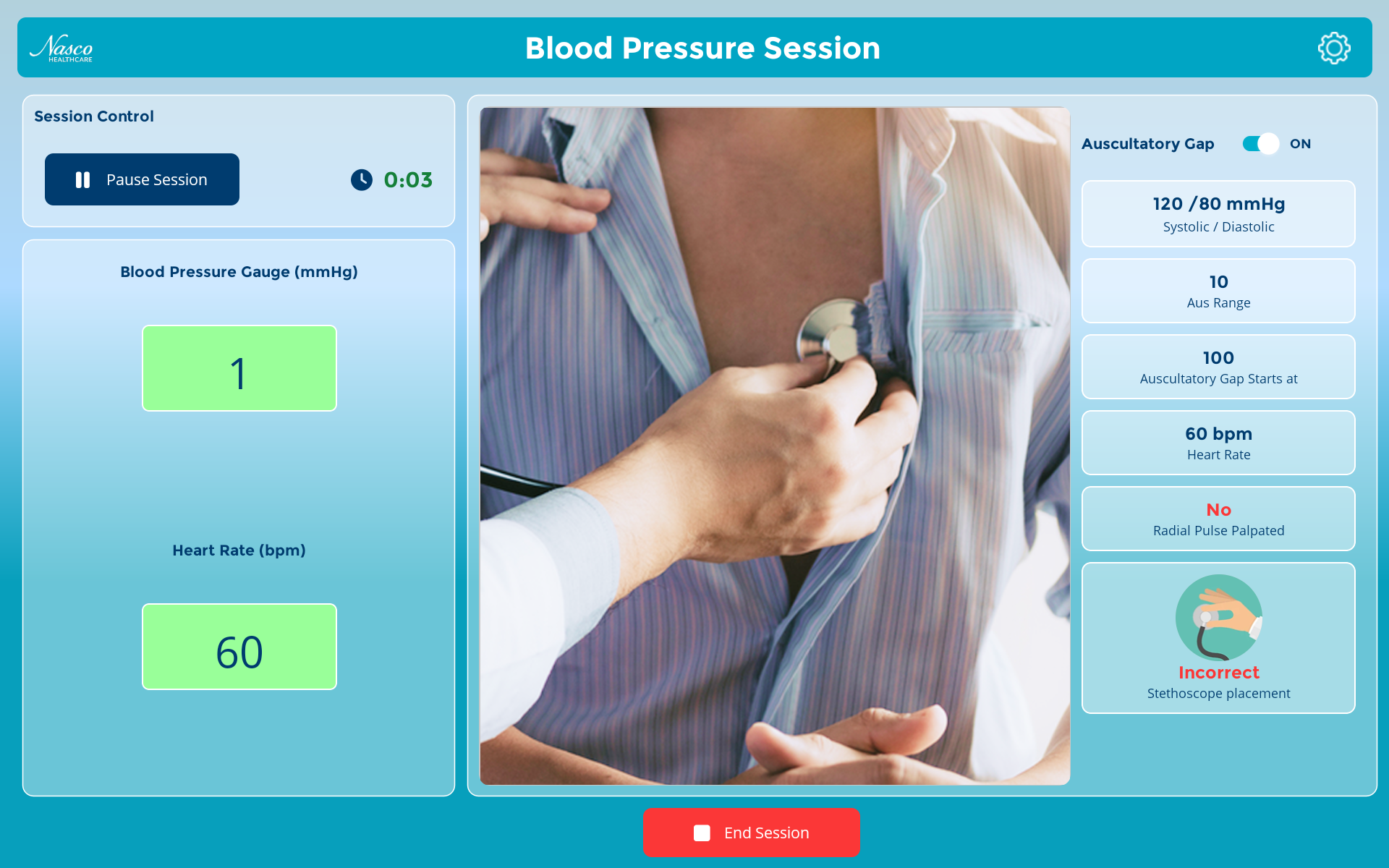
- To begin using the device, press the start session button
- All of the following can be customized from within the App:
– Heart Rate
– Systolic & Diastolic Pressures
– Auscultatory Gap Parameters
– Volume
Need Help?
For more information on this product, please get in touch with our customer service team at 1-833-NASCOHC (627-2642) or email us at [email protected].
We are happy to help you!
