
Quick Start Guides for GERi
Applies to Models:
LF04135IP,
LF04135MIP,
LF04135EX,
LF04135MEX
Auscultation Quick Start Guide
What's Included:
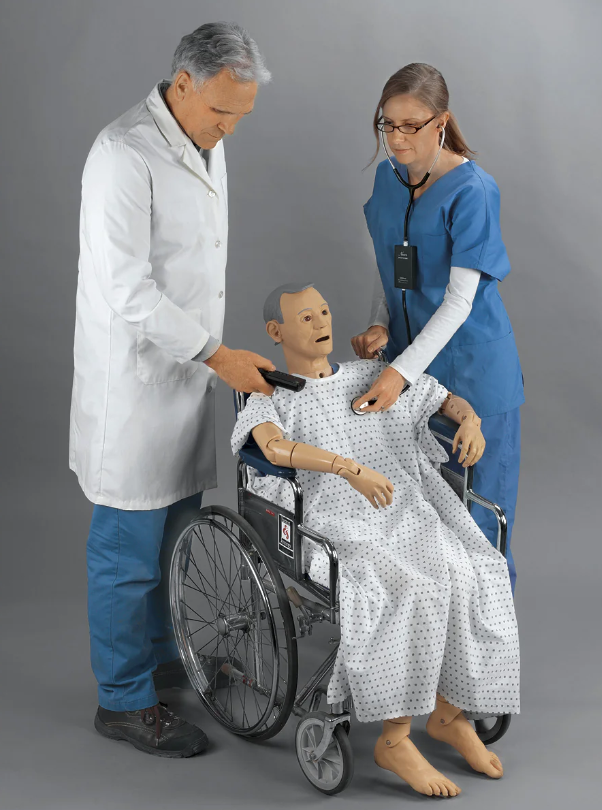
- Auscultation Patient Manikin
- Smart Scope 2.0
- iPad or Android Tablet (If stated)
- Dual-Head Teaching Stethoscope
- USB-C Charging Cable

Scan to download the app.
Setting Up:
- Ensure all devices are fully charged before use, using the provided USB-C Charging Cable.
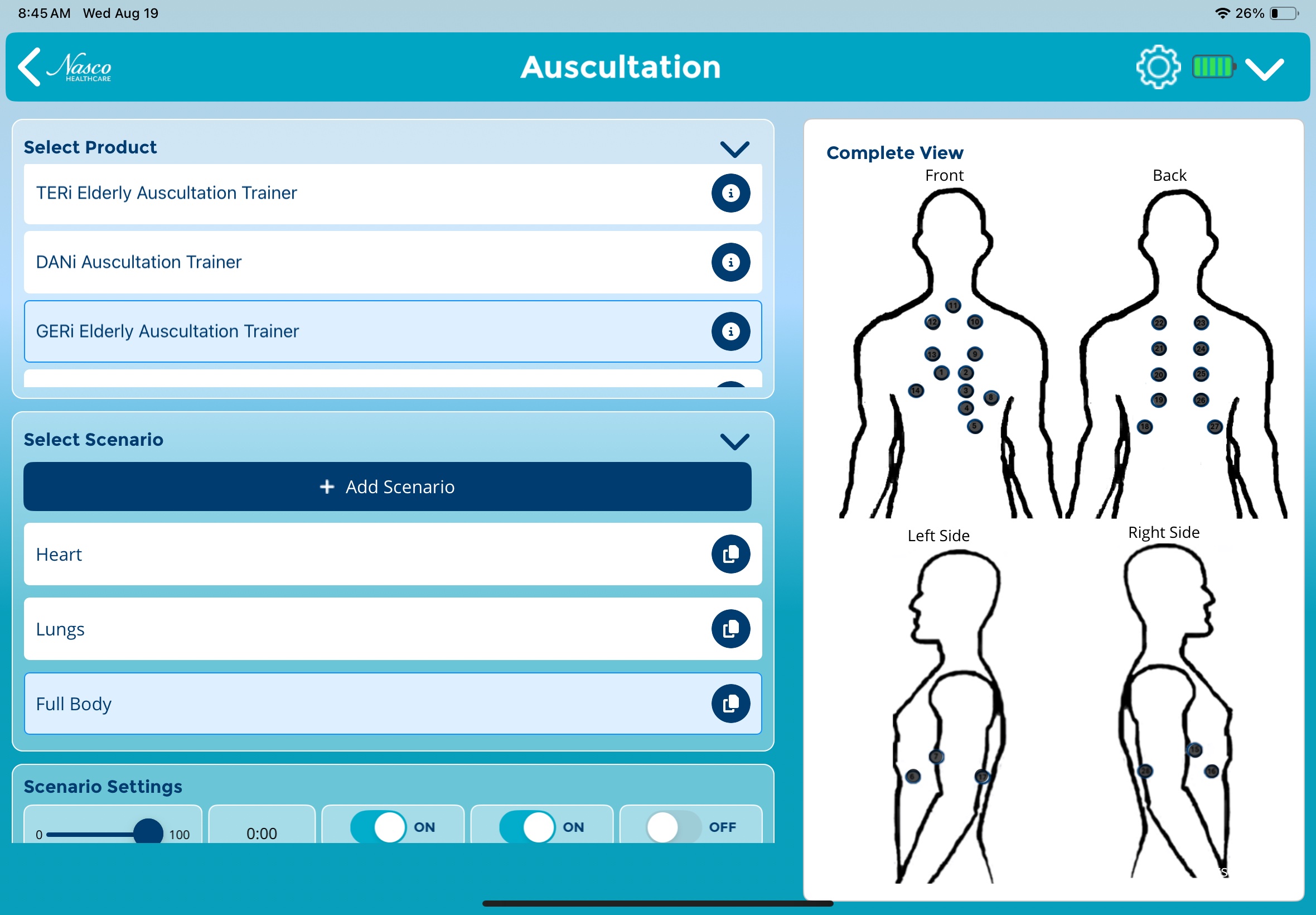
- Download the Be READY™ Auscultation App onto the iPad or Android Tablet.
- Press the Power Button on the Scope to power the device.
- To begin a simulation, press “Launch” under Simulations → Auscultation.
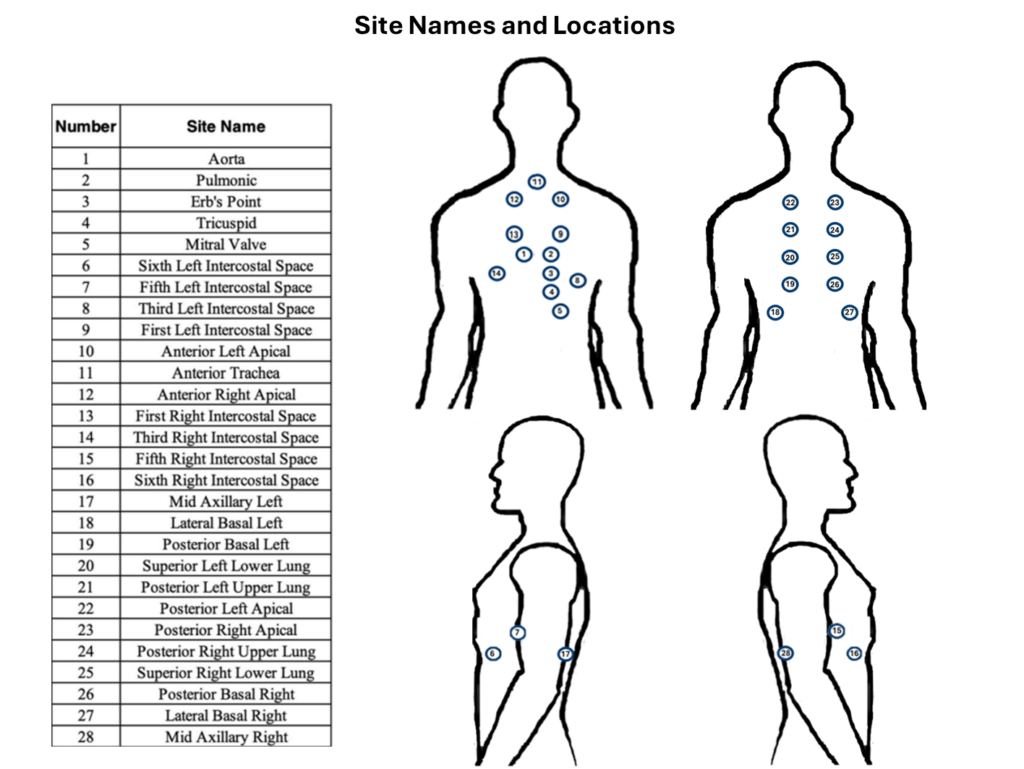
- Select a scenario from the list of preset scenarios OR create your own by pressing “Add Scenario”.
- Customize scenario settings as desired & press “Start Scenario”.
Need Help?
For more information on this product, please get in touch with our customer service team at 1-833-NASCOHC (627-2642) or email us at [email protected].
We are happy to help you!
